The dataset is available from a google drive link:
Dataset description
After downloading the dataset, you will have 405 PNG files (cropped regions of interest from 455 individual tumor cases), and a database in two formats. The database is available as sqlite (SlideRunner format) and as json (MS COCO format). For an example of how to interpret this format, please see the notebook below.
| Cases | Cancer type | Species | Other information (scanner, image source, etc.) |
|---|---|---|---|
| 001.tiff to 150.tiff | breast cancer | human | UMC Utrecht, scanned with three different scanners (see MIDOG 2021) |
| 151.tiff to 194.tiff | lung carcinoma | canine | VetMedUni Vienna, scanned with 3DHistech Pannoramic Scan II |
| 195.tiff to 249.tiff | lymphoma | canine | VetMedUni Vienna, scanned with 3DHistech Pannoramic Scan II |
| 250.tiff to 299.tiff | mast cell tumor | canine | FU Berlin, scanned with Aperio ScanScope CS2 |
| 300.tiff to 354.tiff | neuroendocrine tumor | human | UMC Utrecht, scanned with Hamamatsu XR |
| 355.tiff to 405.tiff | melanoma | human | UMC Utrecht, scanned with Hamamatsu XR (no labels provided for this domain) |
Getting started: The notebook
To get you started, there is an explanatory notebook on Google Colab that we really recommend for first steps:
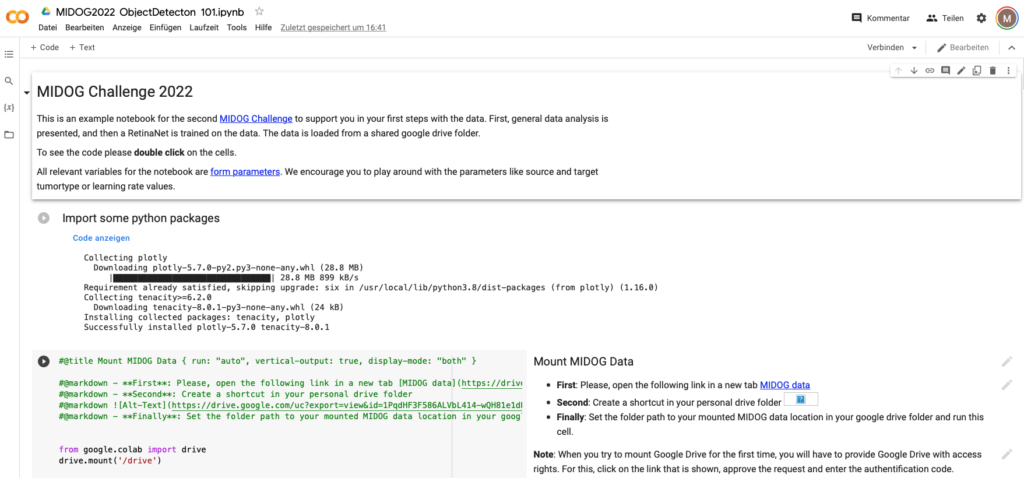
https://colab.research.google.com/drive/1m3zPFWnVbwgPobdsVg1upHCKSl2qQsac?usp=sharing
The notebook comprises the following:
- Statistical overview of the data set
- An in-depth view into the dataset